Jump to a section
Introduction
TL;DR
How Google Play app reviews directly impact App Store Optimization (ASO) rankings through steady volume, velocity, keyword indexing, and developer response signals — and how to build a pipeline that compounds over time.
With 3.5 million apps on the Google Play Store, visibility is everything. App Store Optimization (ASO) is how you get found, but reviews are how you get installed. In 2026, Google's algorithm weighs user sentiment heavily when ranking apps for keywords. Most developers understand that star ratings matter, but far fewer understand the full picture: it is not just the average rating that moves the needle, it is the combination of volume, velocity, keyword density in review text, and active developer engagement. Miss any of these and you are leaving rankings on the table.
Reviews Impact on Rankings
Google Play's ranking algorithm evaluates several review-related signals simultaneously:
- Volume: The total number of ratings and written reviews. A higher count signals social proof and signals to Google that real users are engaging with the app.
- Velocity: How many new ratings you received in the last 30 days. An app with 500 reviews total but zero in the past month is treated as stale. An app with 100 reviews but 20 in the past week is treated as actively used.
- Sentiment: The actual keywords used in reviews. If enough users write "great expense tracking app," your app starts ranking for "expense tracking" queries even if that exact phrase does not appear in your metadata.
- Rating distribution: Google does not just care about your average — it weighs the distribution. An app with 80% five-star reviews ranks better than one where five-stars and one-stars are split evenly at the same average.
Apps with ratings of 4.5 stars or higher rank consistently higher for competitive keywords than apps rated below 4.0, even when the lower-rated app has significantly more total downloads. This is a counterintuitive finding for developers who assume raw download volume is the primary lever — it is not.
CRO: The 4.0 Star Barrier
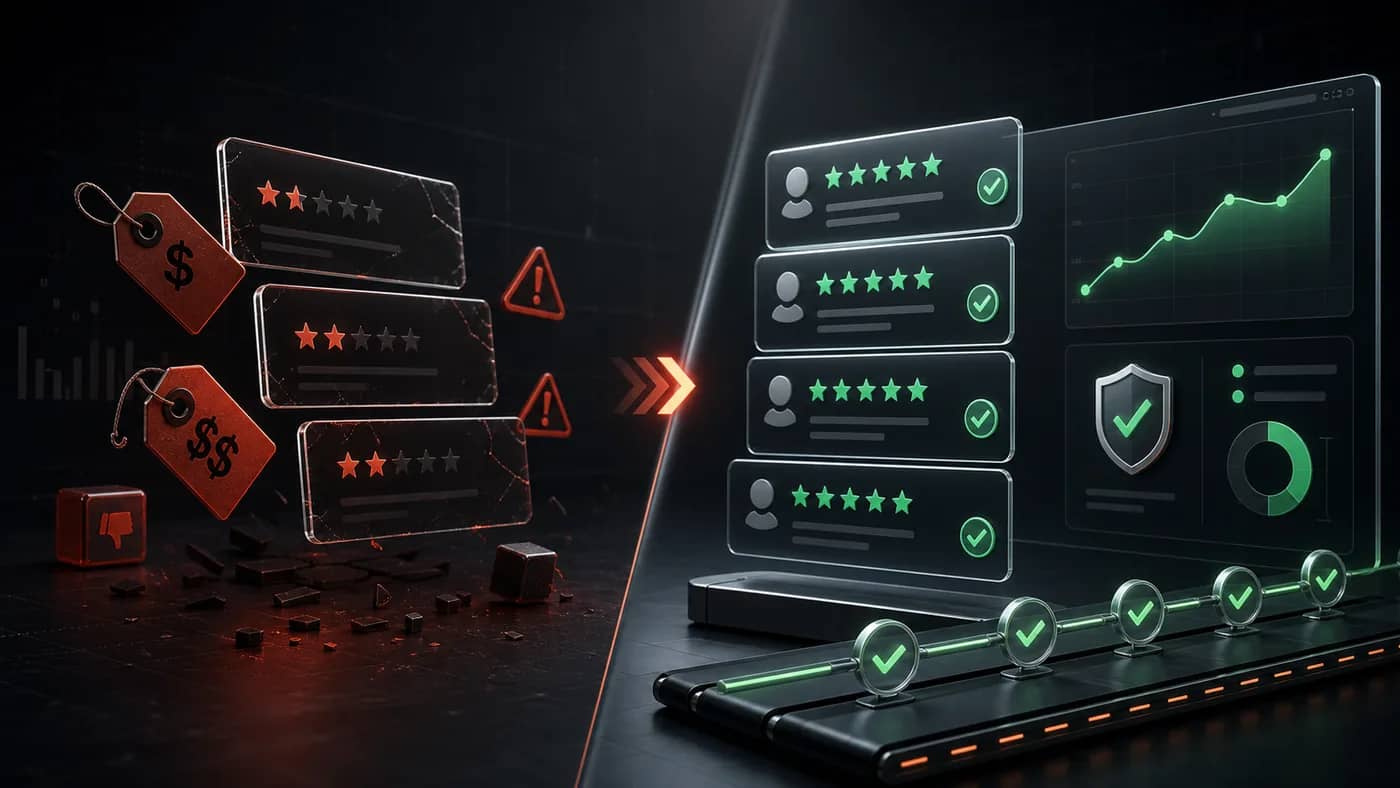
Human psychology plays a huge role in app store conversions. Users rarely download apps rated below 4.0 stars, and the data on this is striking. The Cliff: Conversion rates drop by 50% when a rating falls from 4.1 to 3.9. This is not a gradual decline — it is a sudden drop tied to how users interpret the visual star display.
At 3.9 stars, the displayed rating rounds to "3.9" rather than "4.0," and users interpret anything below 4.0 as a flawed product. This means a single bad review week can push you below the threshold and cut your organic installs in half overnight. The inverse is also true: recovering from 3.9 to 4.1 often produces a near-immediate conversion rate recovery, which is why defending your rating floor is as important as growing your total count.
For apps in competitive categories — productivity, finance, fitness — the effective threshold is even higher. Users searching these categories are more discerning and filter by "Top rated" by default, which surfaces only apps above 4.3 stars in most markets.

Keyword Indexing in Reviews
Unlike Apple's App Store, Google Play indexes keywords inside user reviews. This means if enough users mention "best receipt scanner," your app will start ranking for "receipt scanner" searches. This creates a powerful flywheel: more installs generate more reviews, which contain more keyword mentions, which improve rankings, which drive more installs.
The keyword indexing signal is strongest when:
- Multiple reviews contain the same keyword phrase naturally
- The keyword appears in the review body, not just the star rating
- The reviewer has a history of leaving legitimate reviews (account trust score)
Strategy: Use our Google Play review service to generate reviews that naturally include your target keywords, boosting both your star rating and your keyword relevance. The most effective approach is to identify the 3–5 keywords your ideal user would associate with your app's core value and ensure those terms appear organically across your review corpus.

Response Rate and Developer Signals
One of the most underutilized ranking signals on Google Play is the developer response rate. When you respond to user reviews — both positive and negative — Google interprets this as an active, maintained app. This "developer engagement" signal contributes to the overall Quality Score that influences category rankings.
Best practices for developer responses:
- Respond to negative reviews within 48 hours. Acknowledge the issue, offer a fix or workaround, and invite the user to update their rating. A significant percentage of users who receive a personalized response will revise a 1-star review upward.
- Respond to positive reviews with genuine appreciation. A short, specific reply ("Glad the offline mode is working for you!") reinforces that real people are behind the app.
- Never use templated mass responses. Google's systems detect pattern repetition and it reduces the quality signal value of your responses.
Apps with a response rate above 60% consistently outperform apps with no responses in the same category, even when the non-responding app has a marginally higher star average.
Building a Sustainable Review Pipeline
A one-time review push will not sustain your rankings. Google's velocity weighting means you need a steady, ongoing stream of new reviews every month. The highest-converting moments to request a review are:
- In-app prompt after a success moment: Trigger a review request immediately after a user completes a meaningful action — their first export, their first completed workout, their first saved item. The emotional high of a positive experience is when users are most likely to leave a positive review.
- Post-onboarding (day 3–7): Users who have been active for a few days but have not yet hit a frustration point are ideal candidates. Prompt them before the novelty fades.
- After a support win: If a user contacts your in-app support and you resolve their issue, follow up with a review request. Satisfaction is at its peak immediately after a problem is solved.
- Post-update engagement: When you ship a major update, prompt existing users who reinstall or engage with the new feature. Updated apps that generate a burst of new reviews signal freshness to the algorithm.
For apps scaling quickly, professional review management services can supplement organic pipeline building by identifying your most satisfied user segments and running systematic outreach campaigns that maintain velocity without triggering spam filters.
Conclusion
Reviews are the backbone of ASO. Without a steady stream of positive feedback, your app will sink to the bottom of the charts. The apps dominating Google Play in 2026 are not just well-built — they have systematic review pipelines that maintain velocity, keyword density, and developer engagement simultaneously. For launch-stage tactics, combine this algorithm view with Google Play review growth planning, beta feedback loops, and proactive review solicitation. Prioritize review management as a core part of your user acquisition strategy, and treat your rating the same way you treat your app's crash-free rate — as a metric that requires active engineering to maintain.
For related reading, see Google Play Reviews: How to Boost App Downloads in 2026 and Google Play Review Velocity: How Fast Is Too Fast?.